This guide shows how to access mtCharge+ transactions within NetSuite. These same records can be found in MarketTime on the Payments screen as well if desired.
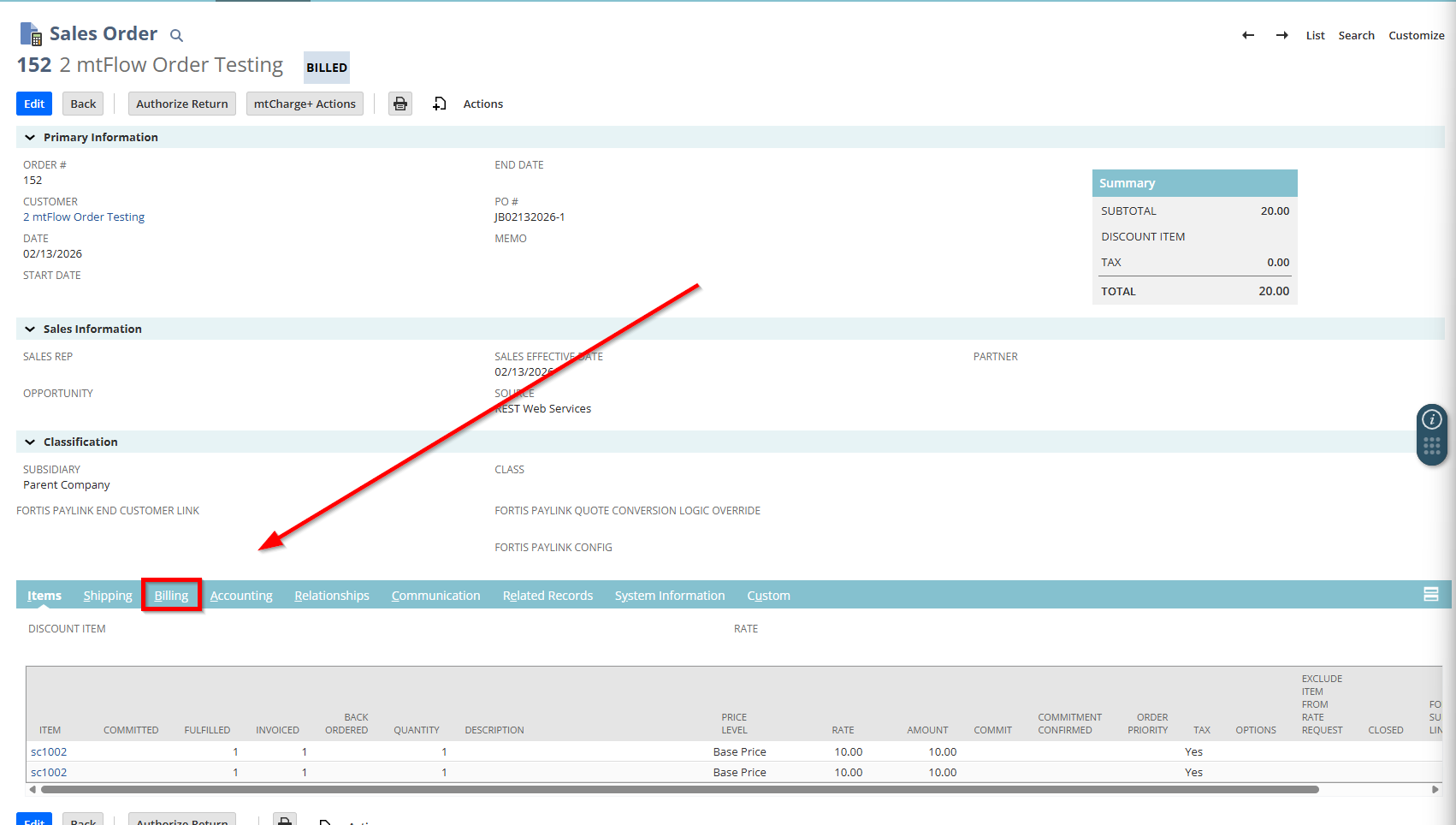
Within each applicable Sales Order (an order that contains a MarketTime Manufacturer ID and Order ID), the Billing tab will display the history of transactions.
There is a drop-down for both Pre-Authorizations and Payment Requests (processed records).
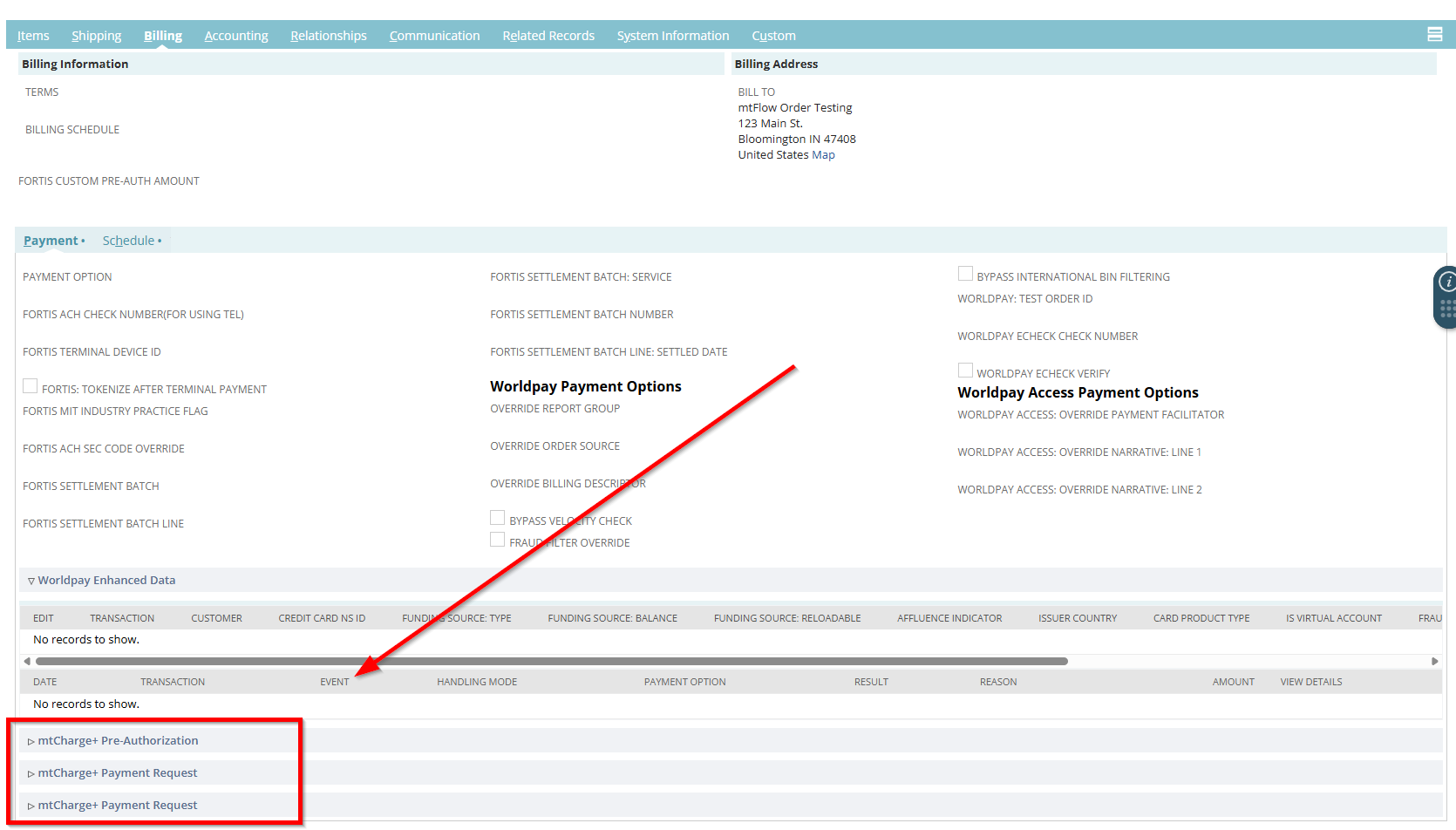
mtCharge+ Pre-Authorization will display all pre-authorization attempts; both successful and failures.

Clicking Edit or the transaction's ID will take you to a page with more details about the transaction.
mtCharge+ Payment Request will display all processing attempts; pre-authorizations, captures, failures, and refunds.

Last updated: